
Beginner follow-up video
Build a time-aware greeting app with AI assistance
Follow a practical C# example in Visual Studio Code and see how a clear request, AI assistance, user review, and testing can turn an idea into a working console program.
The next practical example
Move beyond setup and build another working program
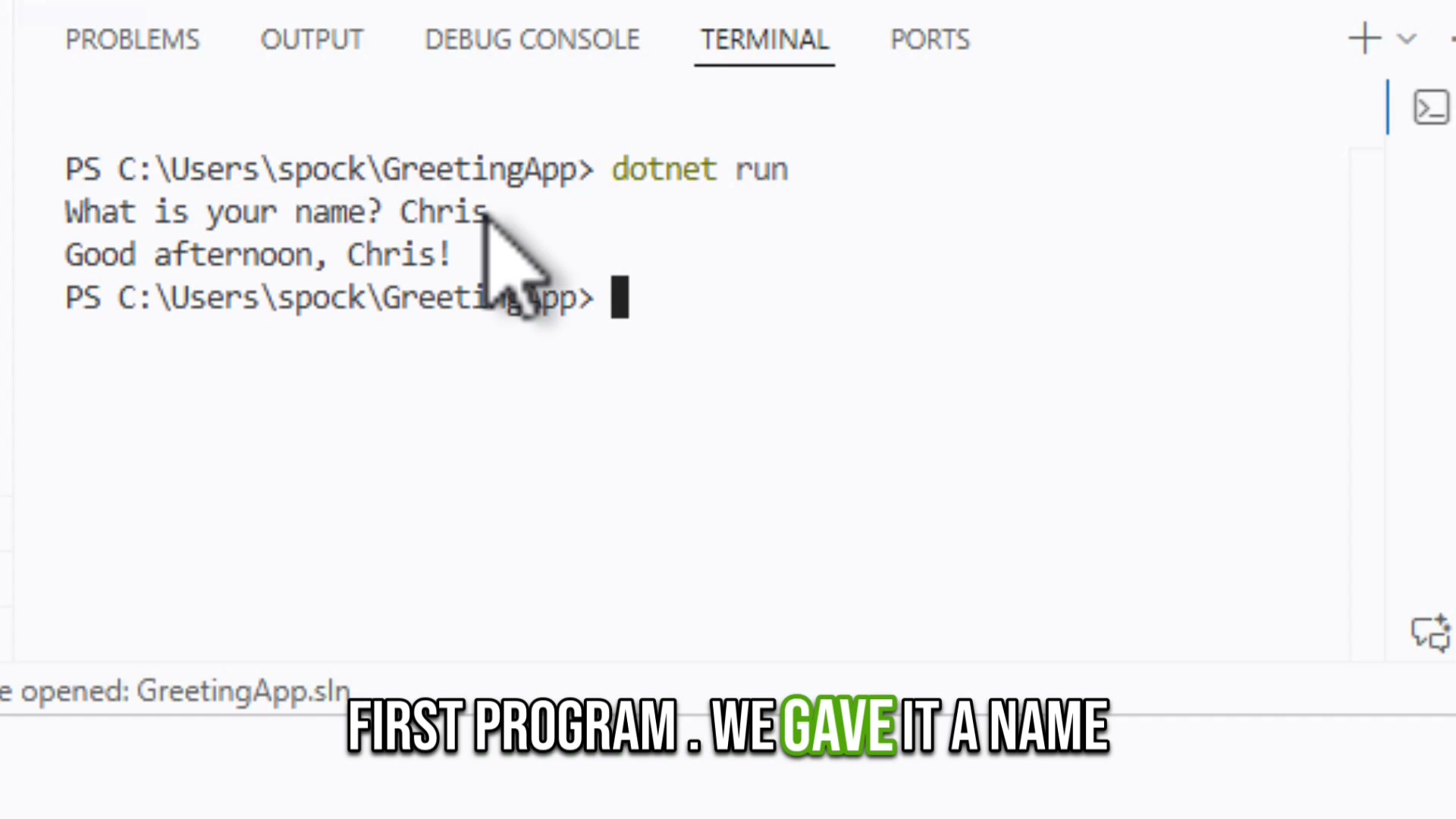
This lesson assumes your computer has already been prepared for C# programming. It begins with opening Visual Studio Code and walks through a new console application that asks for a name and selects a greeting based on the local time.
Inside the lesson
See the real workflow shown in the video
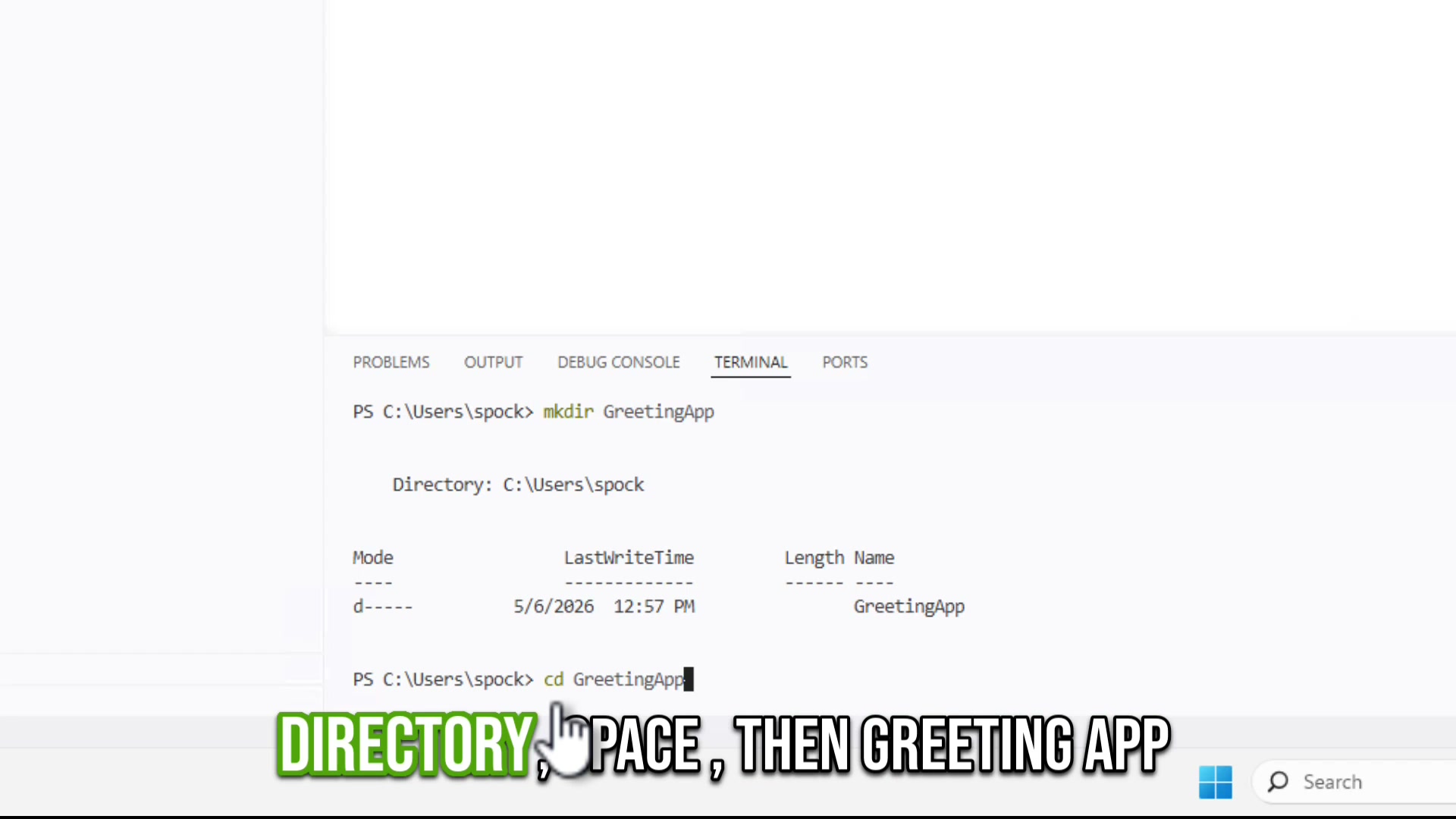
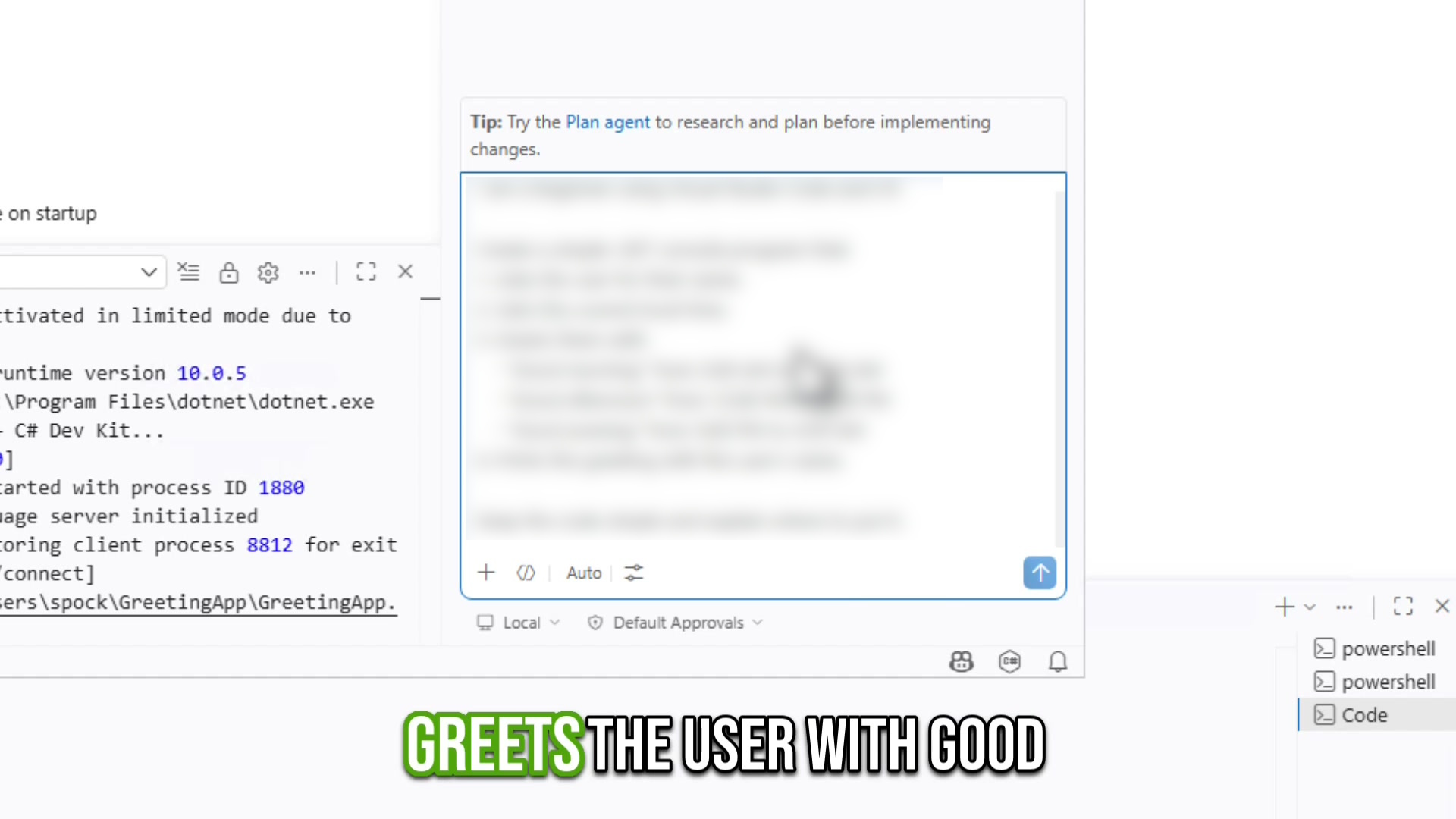
These are actual frames from the training you receive after purchase.
The request in plain English
- Ask the user for their name
- Get the current local time
- Choose morning, afternoon, or evening
- Display the greeting with the name
- Keep the code simple and explain where it goes
A repeatable process
Ask, review, build, run, and test
The value of the example is not just the final greeting. You see a practical sequence for directing an AI coding assistant, reviewing its work, and confirming the result on your own computer.
Before purchasing
This is a follow-up lesson
The video assumes Visual Studio Code, the .NET SDK, and the supporting AI coding tools are already installed and ready to use.
Who this is for
A compact next step for beginner practice
New programmers
Practice creating a second small program after completing the initial setup.
Visual learners
Watch the commands, prompts, code changes, build, and final test happen on screen.
AI-assisted learners
See an example of giving the assistant specific requirements instead of asking it to guess.
Common questions
Know what you are getting
How long is the video?
The edited lesson is approximately 9 minutes and 51 seconds.
Does the video install the programming tools?
No. It assumes the initial C# and AI coding setup has already been completed.
What program is created?
A console application asks for the user's name, checks the local time, and displays a morning, afternoon, or evening greeting.
Does AI do everything automatically?
No. The lesson includes user instructions, approval of tool actions, review of changes, building, running, and testing the result.
What happens after purchase?
Access is associated with your customer account and available through the Vibe Code Now Customer Menu.
Continue your practice
Build the greeting app alongside the video
One focused follow-up lesson. One-time payment. Current price: $32.00 USD.
Continue to Secure CheckoutEligible video purchases may be refunded within 30 days. See the Refund Policy for eligibility and request instructions.
Secure checkout
Choose your Greeter App items.
Select any combination of the Greeter App training items below. Checkout is powered by Stripe and only the checked items are included.
$32.00 USD
No I Do Not Want The Greeter App Bundle...
Vibe Code Now is operated by C Solutions.