
See How Beginners Can Build Real Software With AI
Reserve Your Spot!
Discover The Incredible things you can do with AI programming without having to install expensive software or have a computer programming degree...
Get professional looking programs made with your own hands and inputs without hiring a team of developers and designers.
Monday August 24 @ 1 PM ET
No thanks, continue to the Free AI Coding Starter Bundle

Here's a Fraction of What You'll Learn on This Free Webinar:
What Is AI Programming?
Learn what AI programming is - and isn't.
See it in action and take a peek at how it
is done.
How Can This Help Me?
AI Programming can help a lot of people in a lot of different situations.
Learn how AI programming can help you, possibly sooner than you think.
Change Your Mind On AI Programming
In this webinar you will go from not knowing what AI programming is to seeing it in action and how easy it is for programming novices to build software with steps as easy as using a search engine, like Google.
Click the Button Below to Reserve Your Seat:
No thanks, continue to the Free AI Coding Starter BundleAbout Your Host
Chris Conley

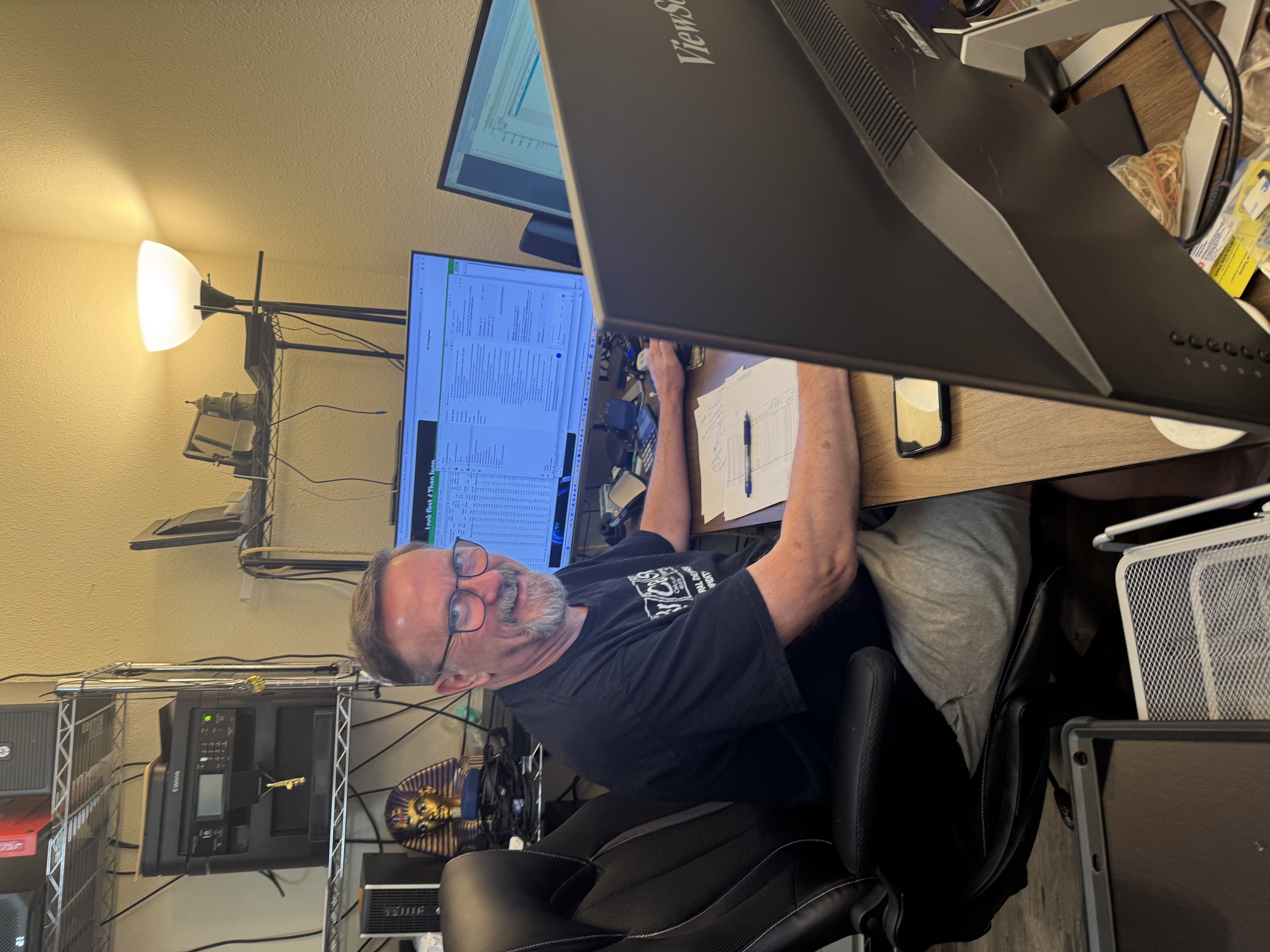
I've spent most all years programming computers, since I was 14 years old. Hint.
That's more than a few decades of programming computers.
Along the way I've built software or custom solutions myself or with my software consulting firm, for
the United States Navy, US Department of The Interior, Enterprise Rent A Car, custom software consulting for the University Of San Francisco,
as well custom programs for numerous small businesses across the United States.
I love making computers do the mundane and tedious work and leave the rest and best for people to do
as they best can in their work, family and lives.
When I'm not coaching I'm chasing more time on music and music theory and my lifelong
appreciation and love of those sounds that we each love to hear so much
in our respective ways.